Snowpark Migration Accelerator: Config 폴더에 SMA 권한을 부여하려면 어떻게 해야 하나요?
SMA 가 올바르게 기능하려면 특정 폴더 권한이 필요합니다. 읽기, 쓰기, 실행 권한이 필요합니다.
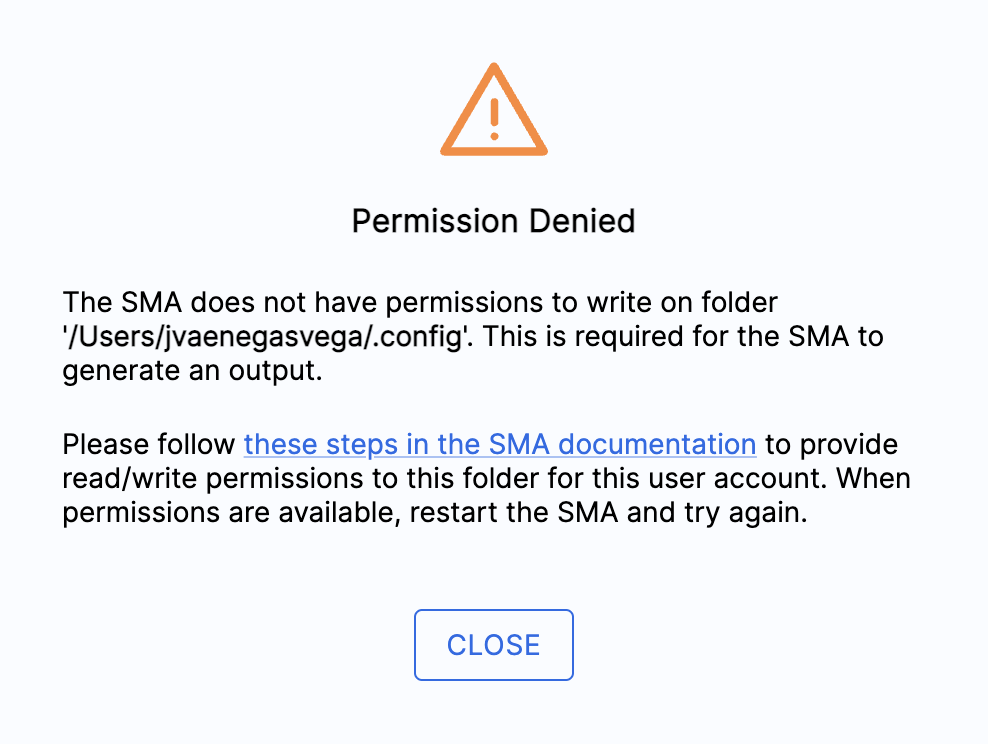
macOS: The
.configfolderWindows: The
AppDatafolder
이 폴더에는 다음과 같은 필수 SMA 파일이 저장됩니다.
임시 파일
로그 파일
SMA 에 운영 시스템에 맞는 폴더에 대한 전체 액세스 권한이 있는지 확인하십시오.
macOS 의 경우
Open the Terminal by pressing cmd + spacebar, typing
Terminal, and pressing enter.Navigate to your home directory by typing
cd ~and pressing enter.Change the permissions of the .config directory by typing
chmod 777 .config. If you see “Operation not permitted,” usesudo chmod 777 .configinstead.터미널을 닫고 Snowpark Migration Accelerator(SMA)를 다시 시작합니다.
Windows의 경우
Windows 키와 R 키를 함께 눌러 실행 대화 상자 Windows를 엽니다.
Enter
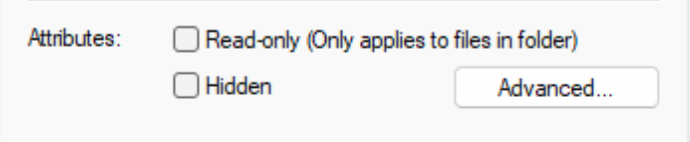
%AppData%in the Run dialog window and press Enter or click OK.“Snowflake Inc 폴더”를 찾아 마우스 오른쪽 버튼으로 클릭한 다음 Attributes 아래의 Read-only 확인란이 선택 해제되어 있는지 확인합니다.