Snowpark Migration Accelerator: 변환 퀵 스타트
변환 실행 방법
다음 두 가지 방법 중 하나를 사용하여 코드를 변환할 수 있습니다.
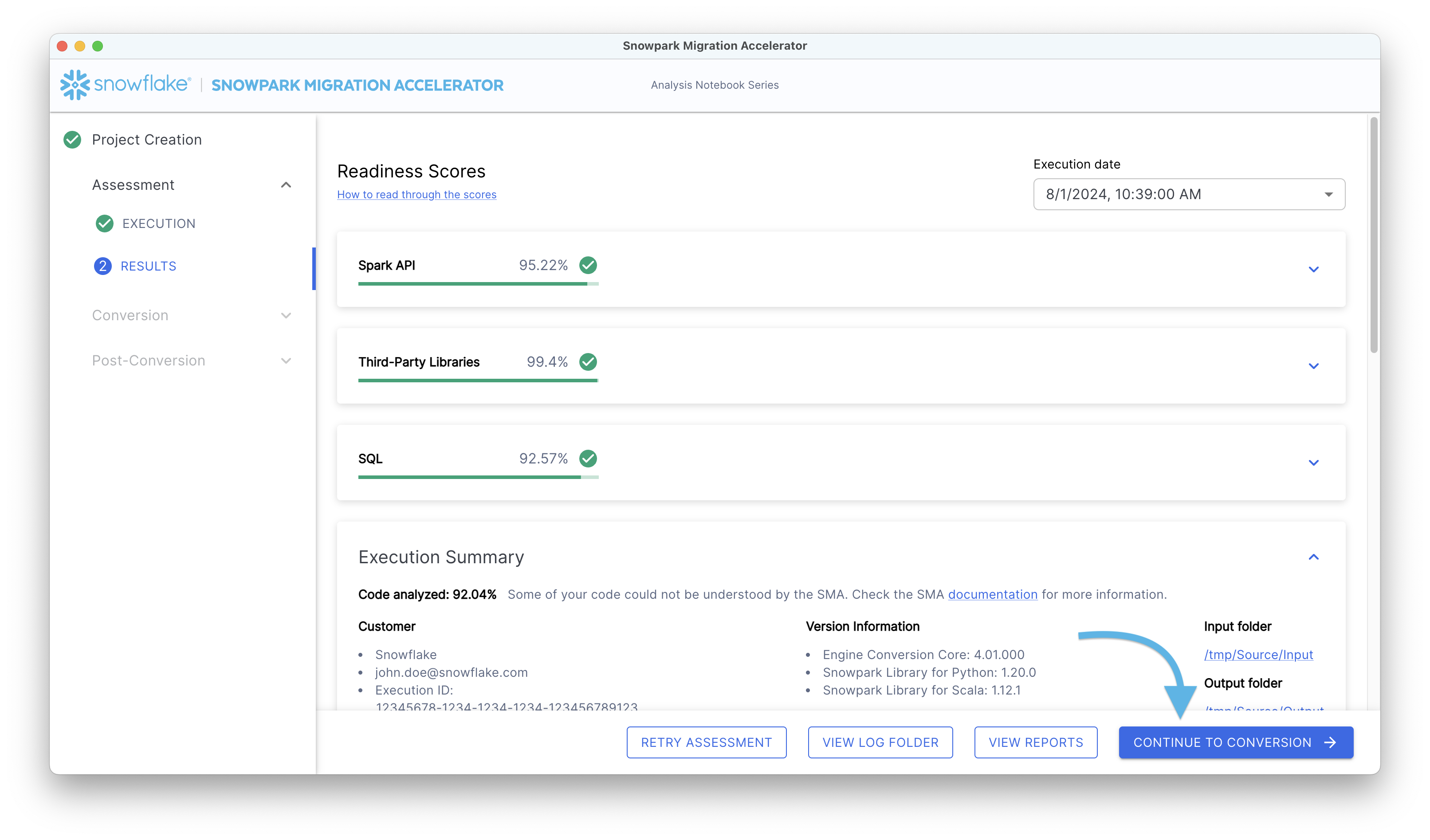
평가 단계를 완료한 후 변환 프로세스를 실행합니다.
When you are ready to examine your Assessment Reports and Output, click the “Convert to the Snowpark API” button.
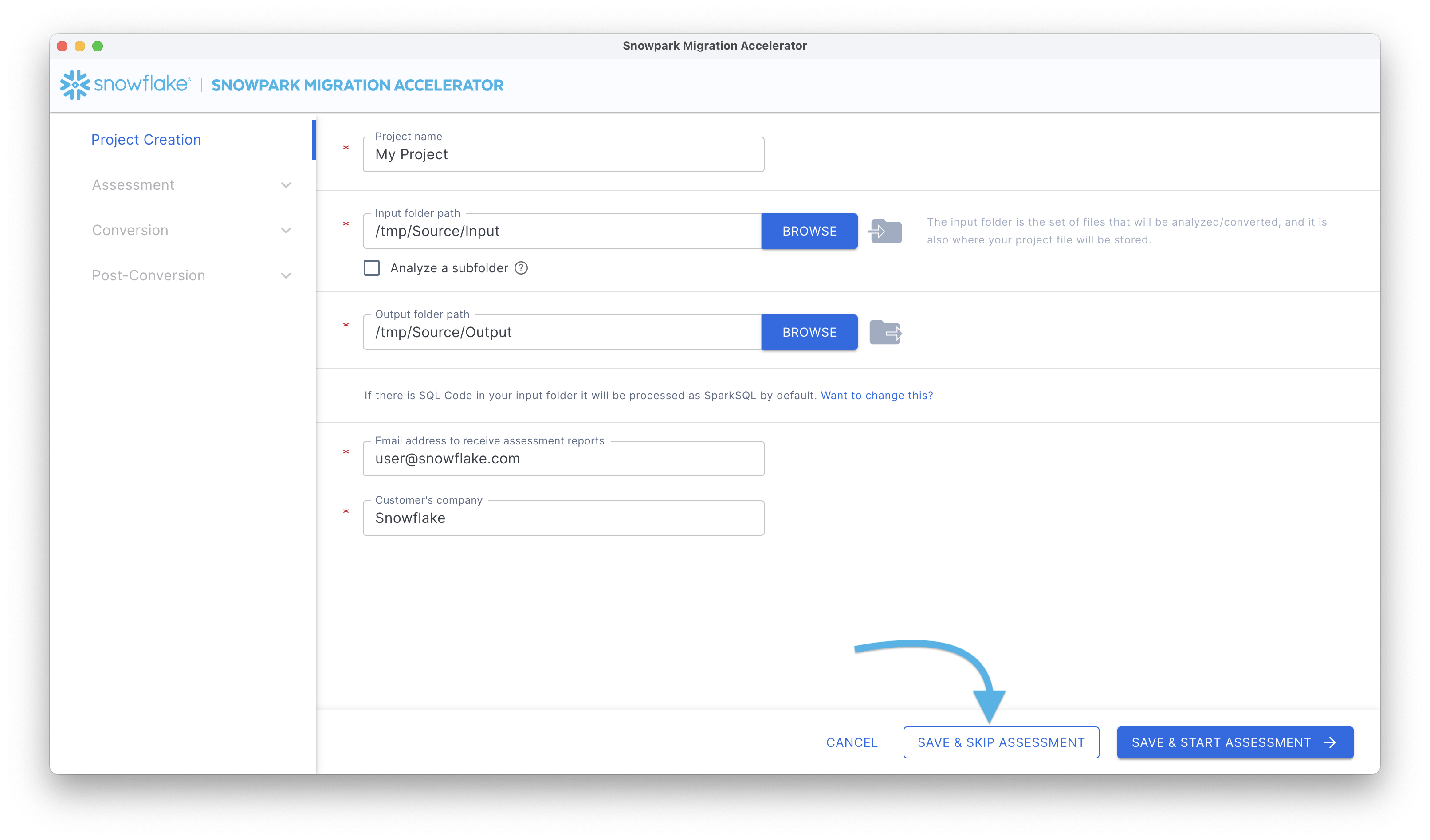
평가 단계를 수행하지 않고 바로 코드 변환을 진행합니다.
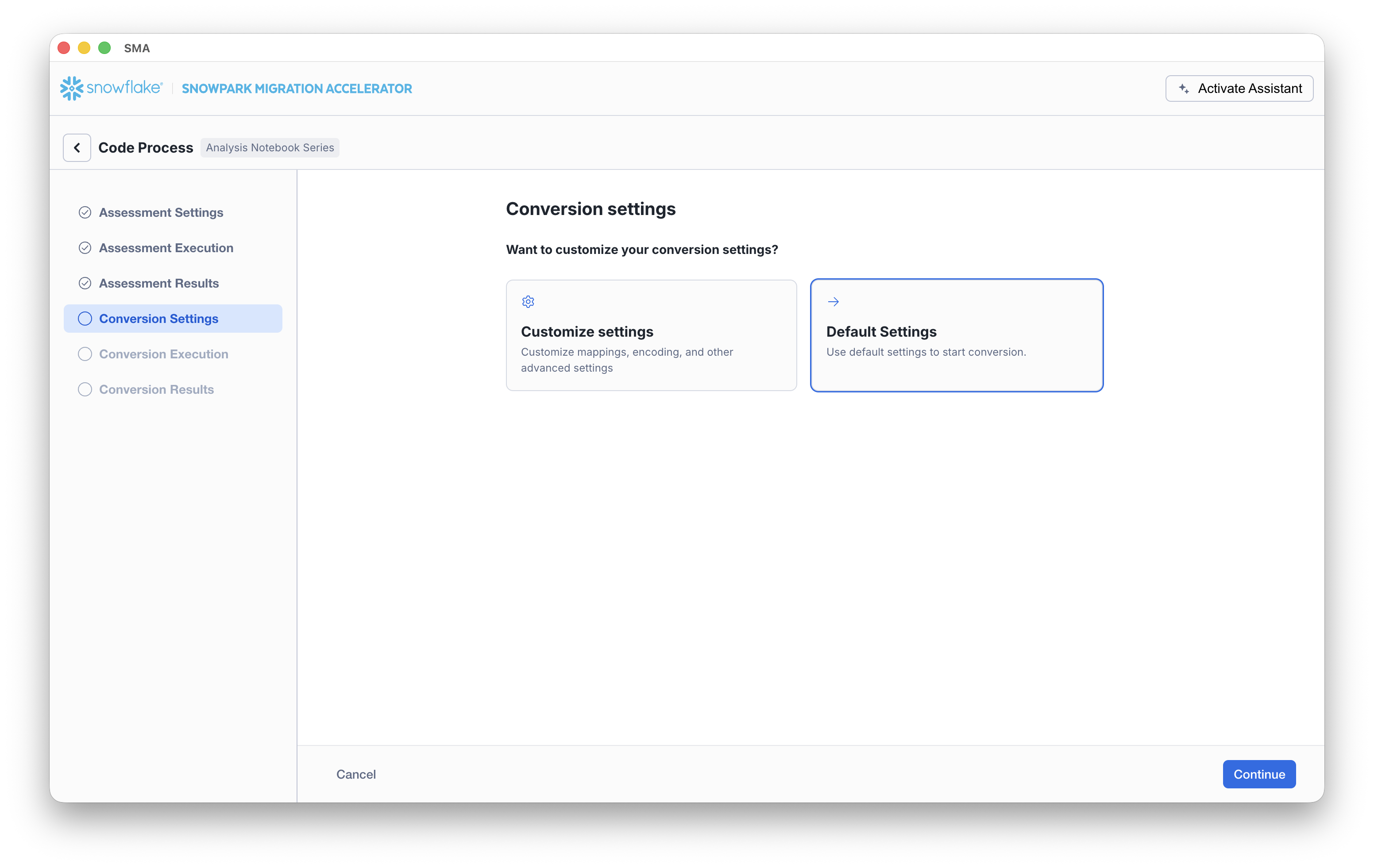
변환 설정
On the Conversion settings page, choose whether to run the conversion using Default Settings or to select Customize settings to configure advanced options.
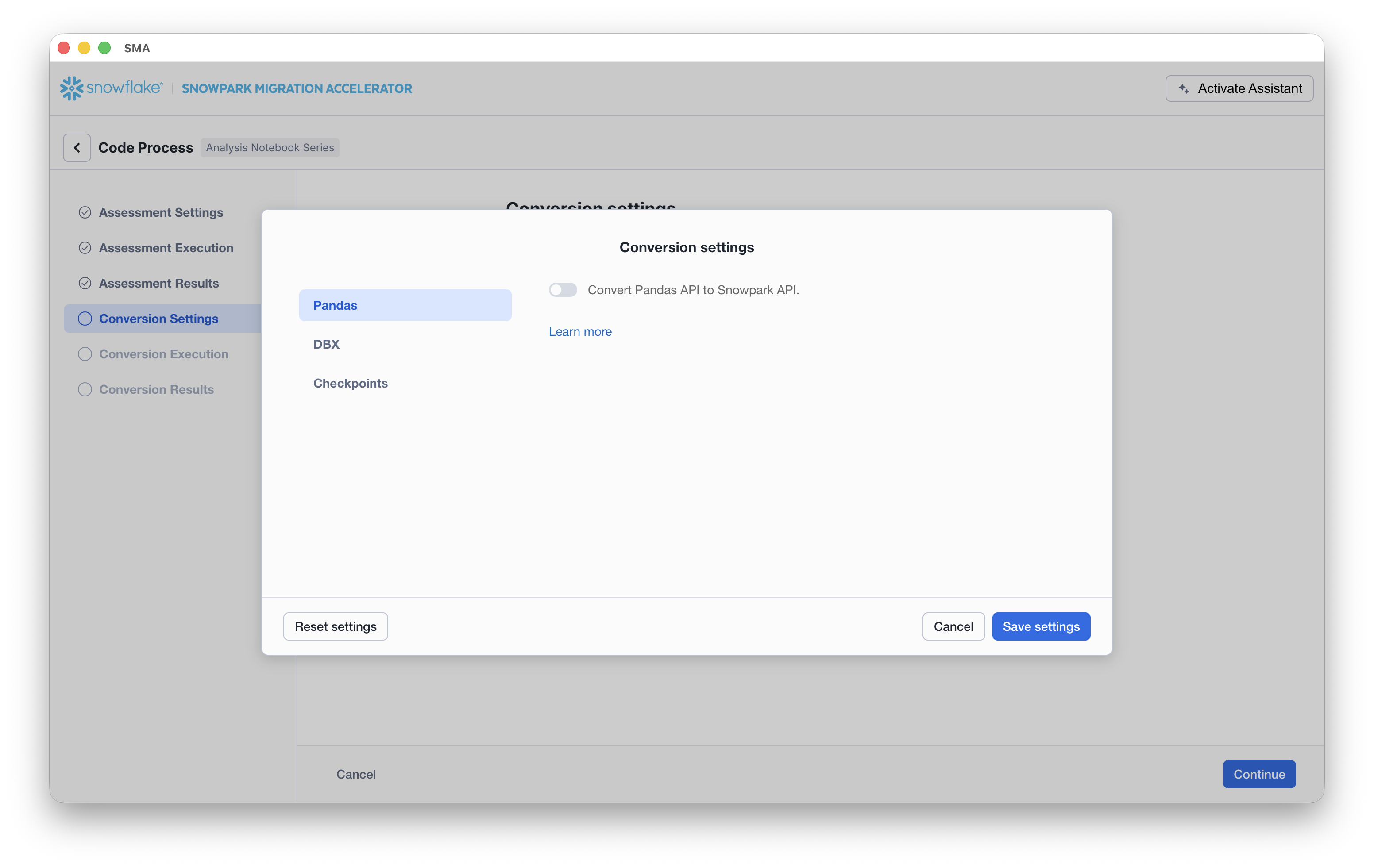
If you select Customize settings, SMA opens a Conversion settings dialog where you can review and update settings (for example, Pandas conversion options) and then click Save settings.
Once your setup is complete, click the Continue button. A progress screen will display the current status of your conversion.
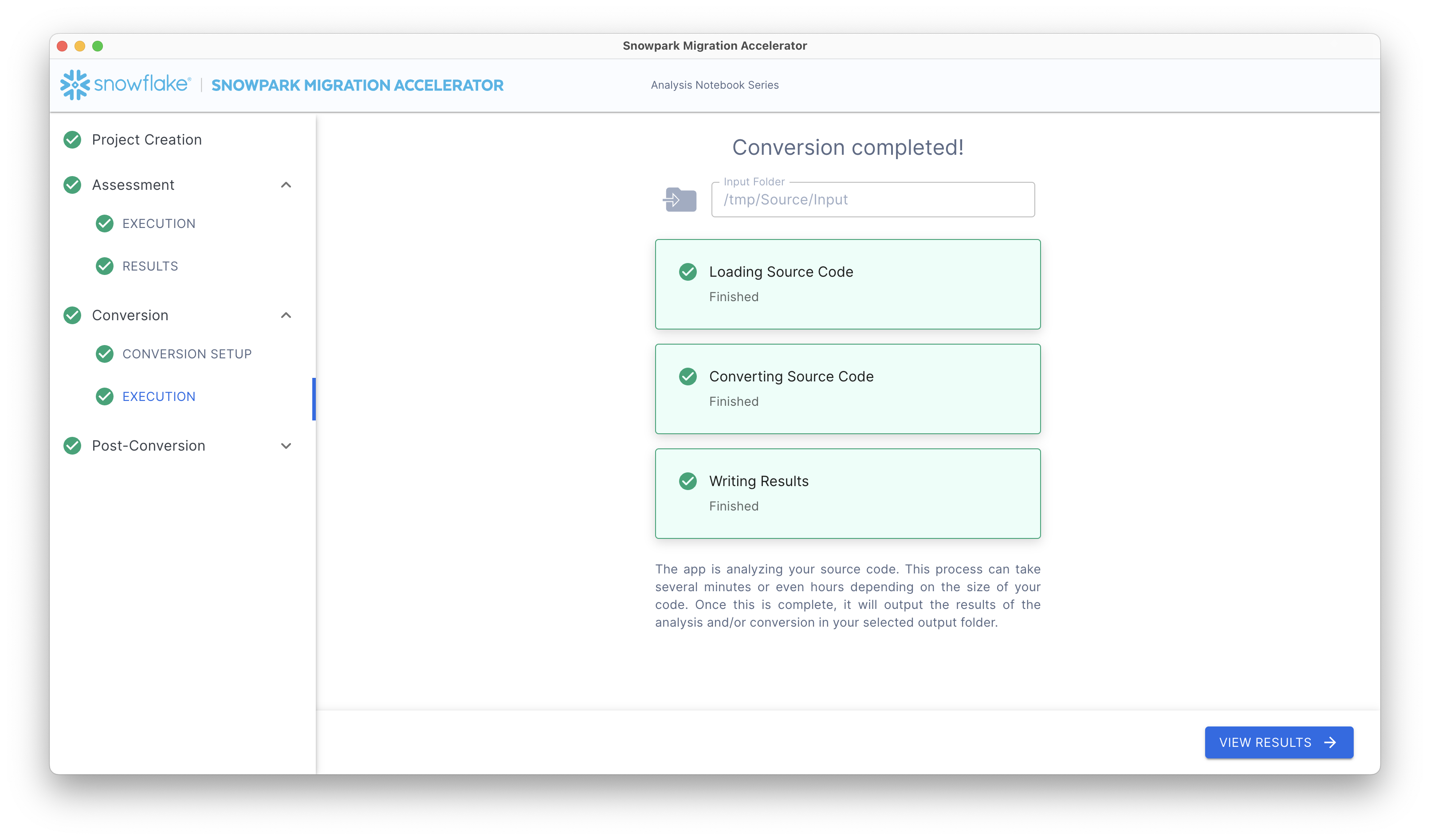
이 과정을 완료한 후 관찰합니다.
Conversion Reports: “View Results” 버튼을 클릭하여 변환 결과를 확인합니다.
Conversion Output Code: 변환 결과 화면에서 “View Output” 버튼을 클릭하여 변환된 코드를 확인합니다.
Retry Conversion: 업데이트된 소스 코드를 변환해야 하는 경우 변환 결과 화면에서 “Retry Conversion” 버튼을 클릭하여 변환 프로세스를 다시 실행합니다.