Snowpark Migration Accelerator: Conversion Quick Start
How to Execute a Conversion
You can convert your code using one of these two methods:
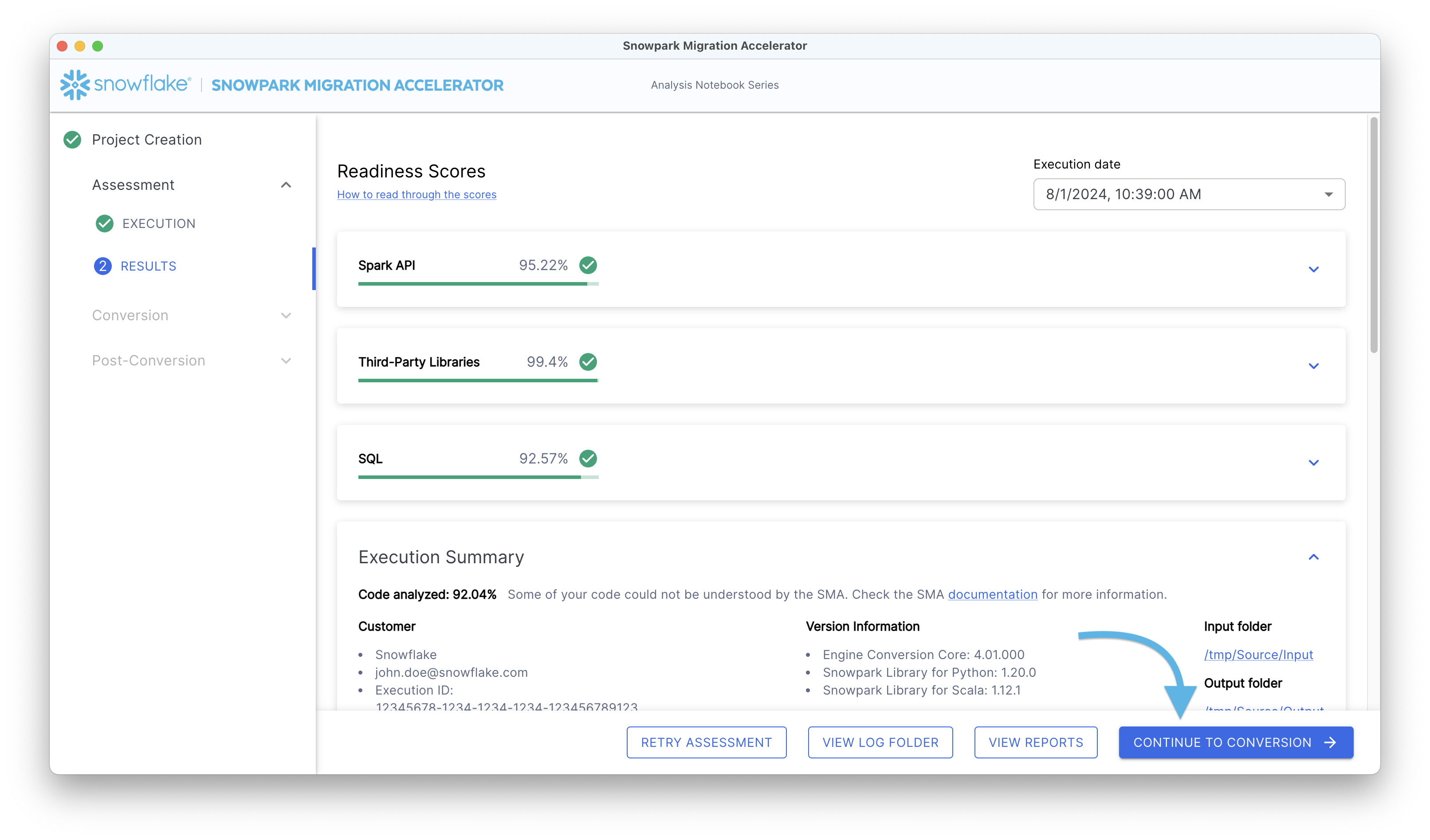
Run the conversion process after completing the Assessment phase.
When you are ready to examine your Assessment Reports and Output, click the “Convert to the Snowpark API” button.
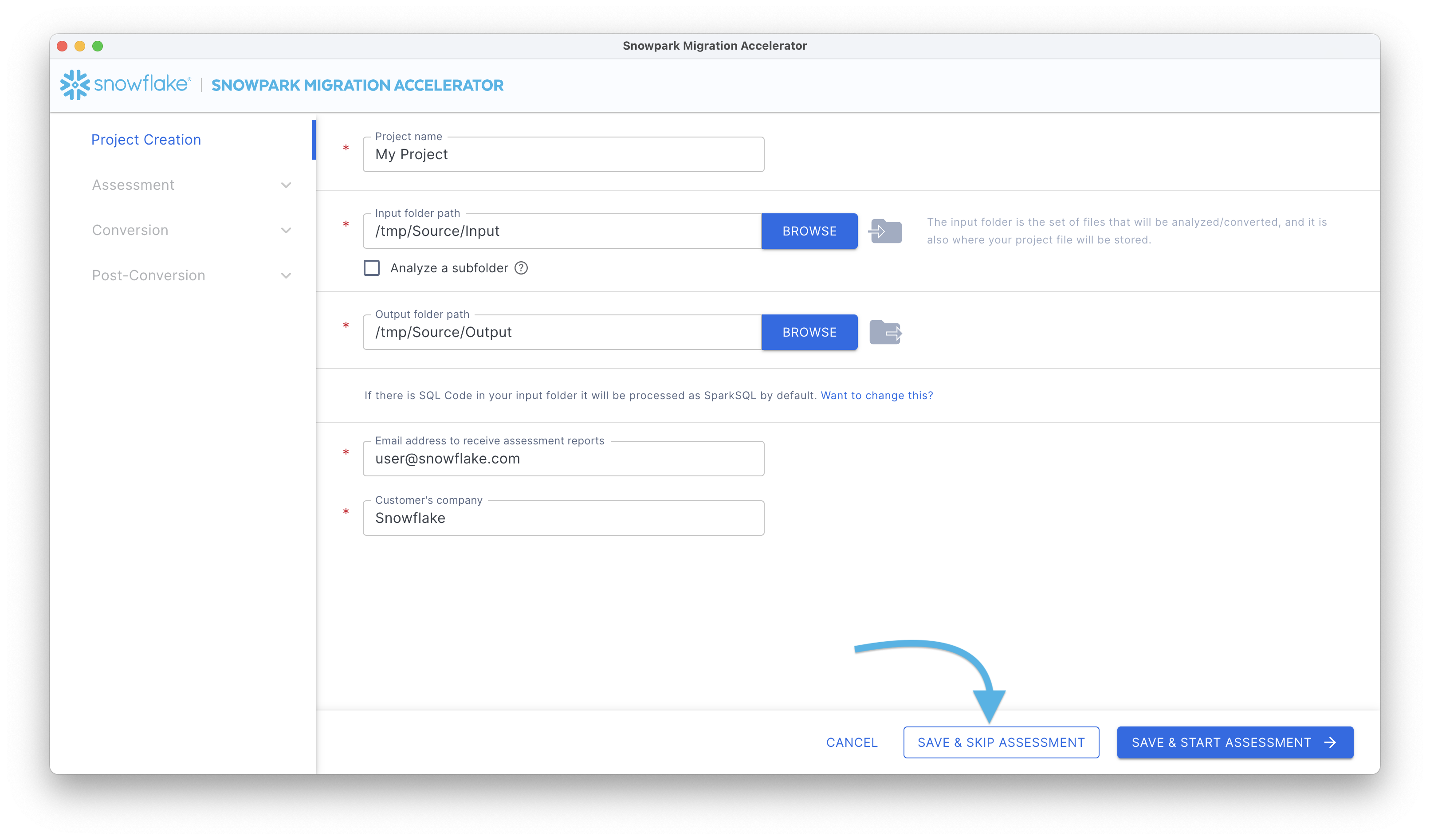
By proceeding directly to code conversion without performing the Assessment phase:
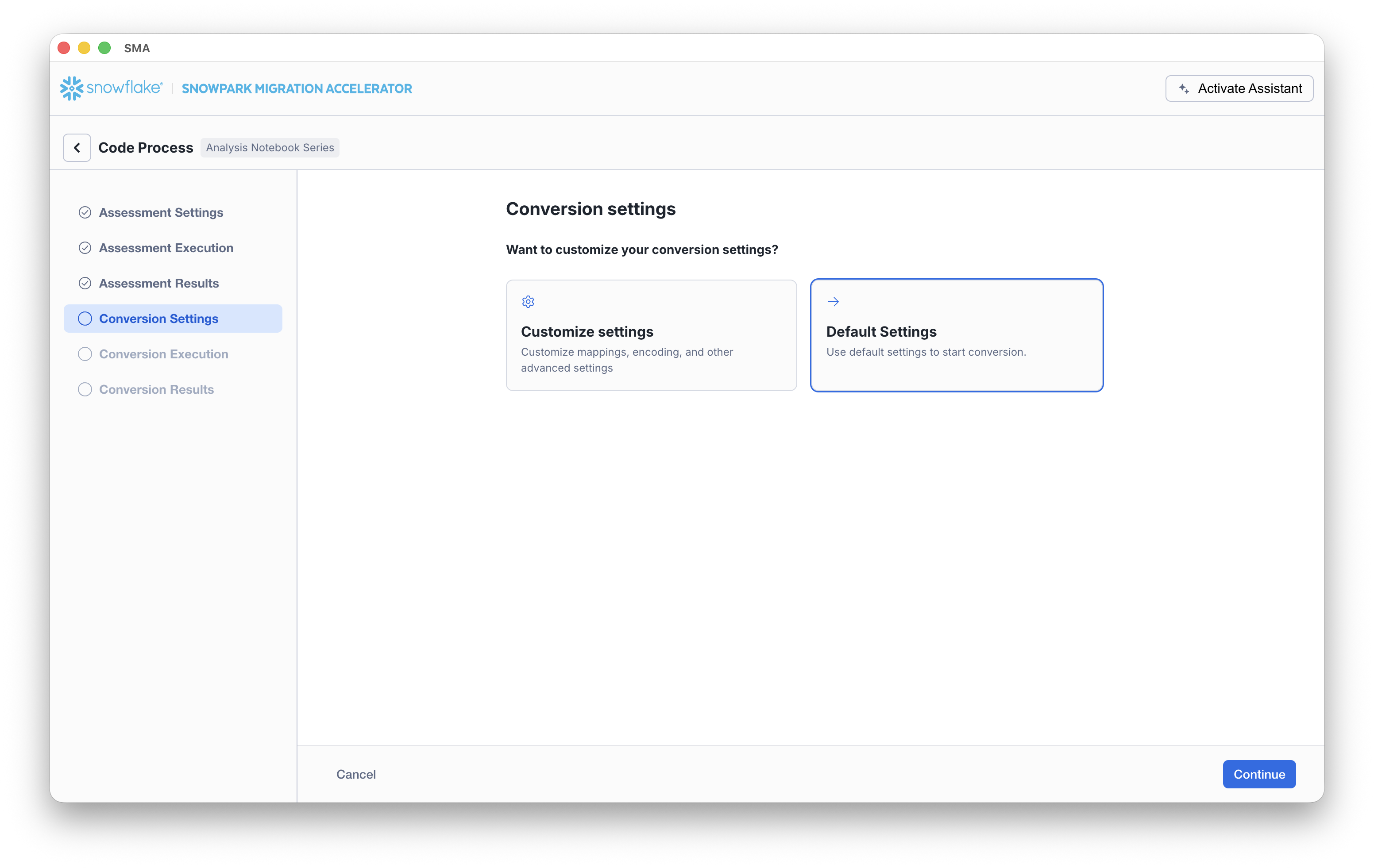
Conversion Setup
On the Conversion settings page, choose whether to run the conversion using Default Settings or to select Customize settings to configure advanced options.
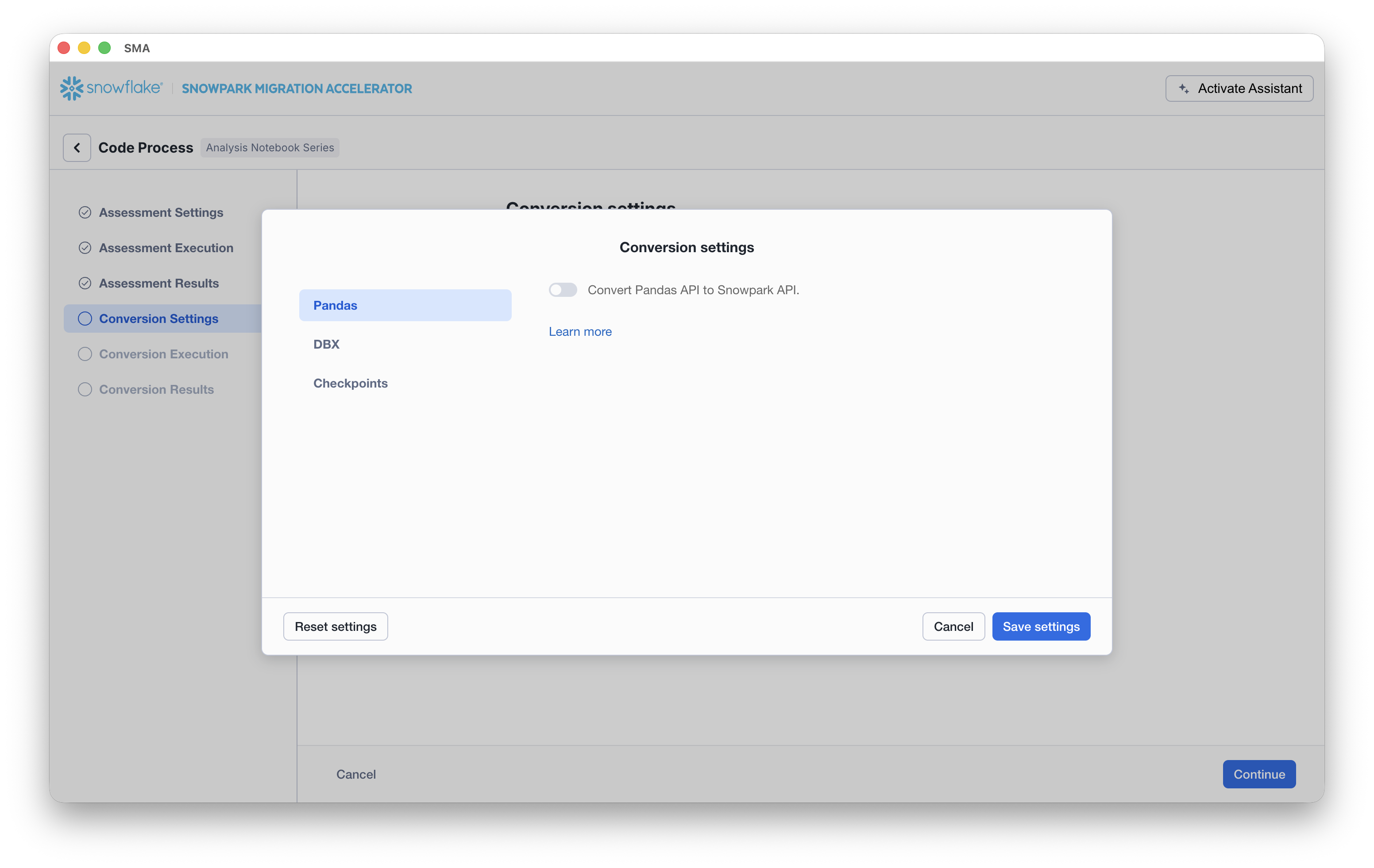
If you select Customize settings, SMA opens a Conversion settings dialog where you can review and update settings (for example, Pandas conversion options) and then click Save settings.
Once your setup is complete, click the Continue button. A progress screen will display the current status of your conversion.
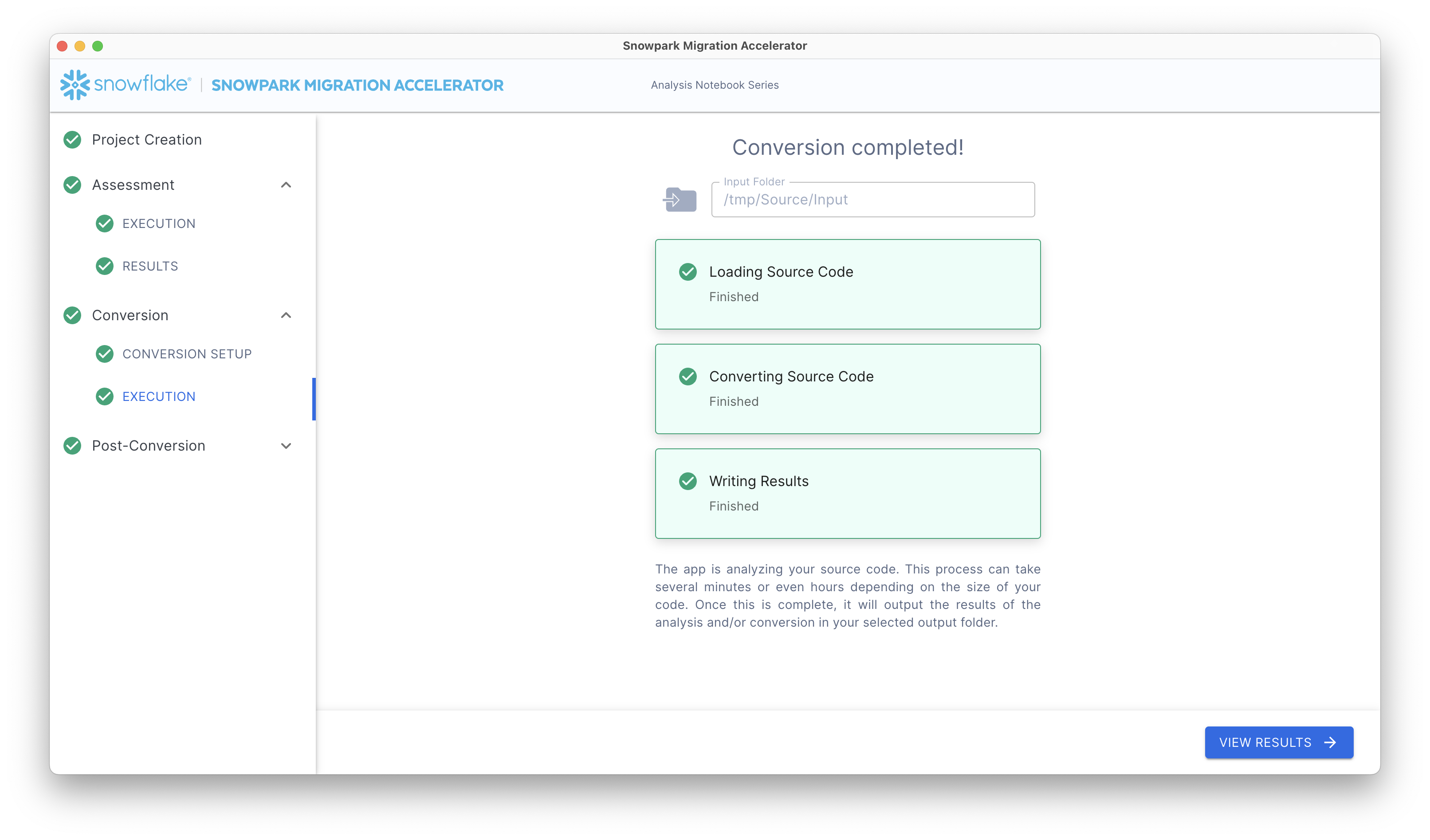
After completing this process, you will observe:
Conversion Reports: View the conversion results by clicking the “View Results” button.
Conversion Output Code: Access the converted code by clicking the “View Output” button on the conversion results screen.
Retry Conversion: If you need to convert updated source code, click the “Retry Conversion” button on the conversion results screen to run the conversion process again.