Snowpark Migration Accelerator: 유효성 검사
유효성 검사 프로세스를 진행하려면 아래에 설명된 단계를 따릅니다.
Copy the
snowpark-checkpoints-outputfolder, generated during the collection process, into the validation workload.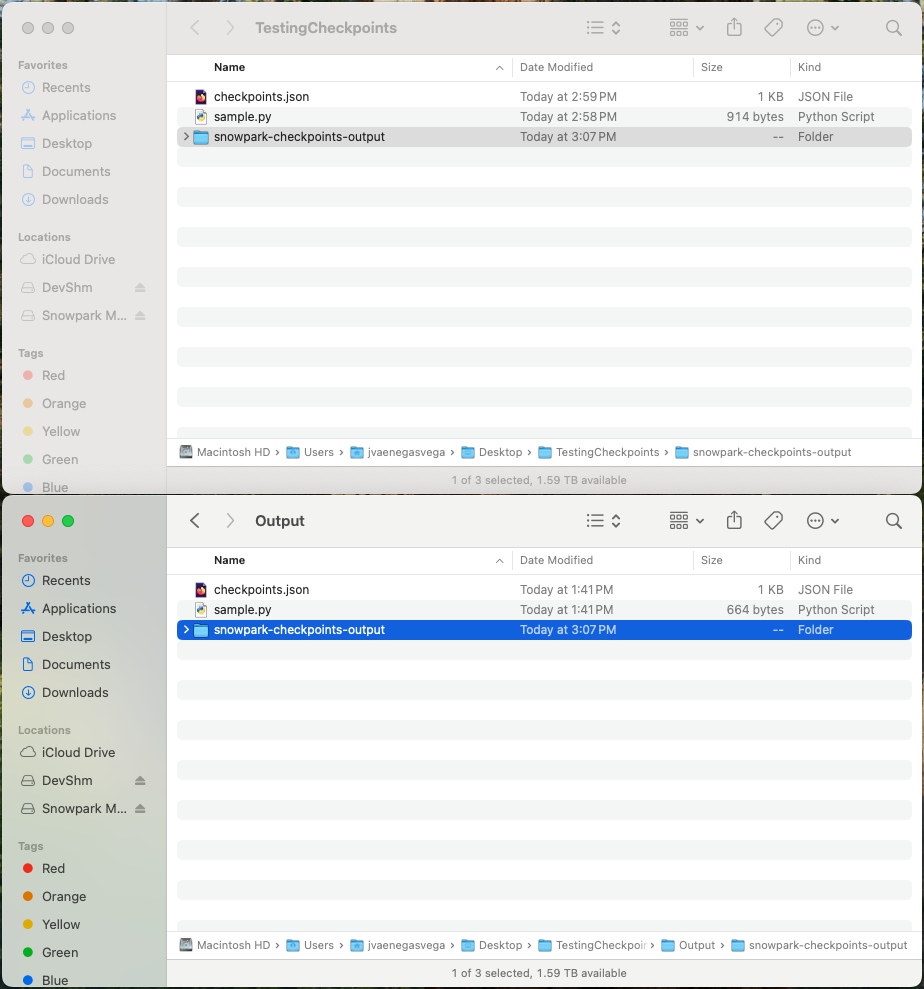
VS Code에서 유효성 검사 워크로드를 열어 유효성 검사 프로세스를 시작합니다.
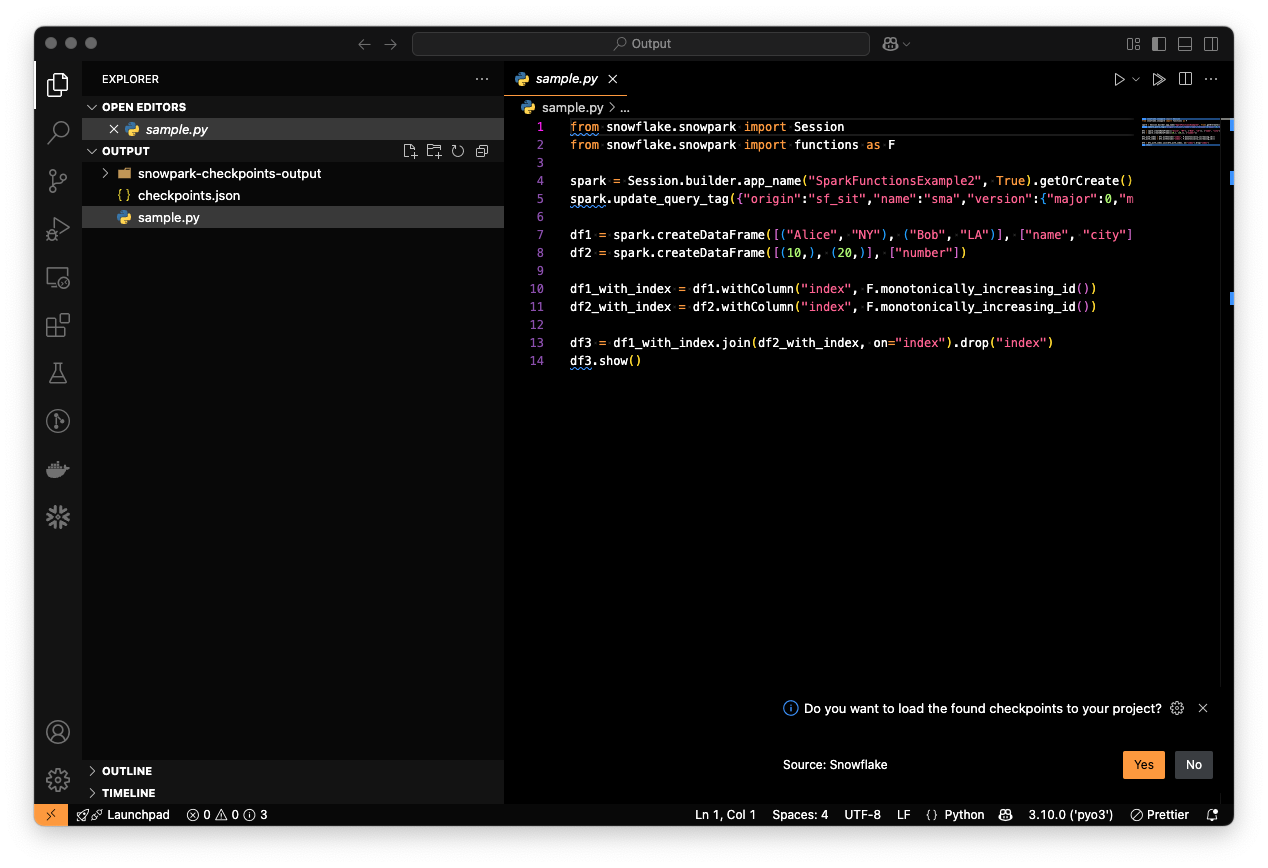
Generate checkpoints using the
checkpoints.jsonfile.
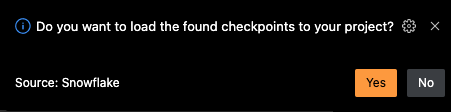
검사점을 생성하기 위해 다음 작업 중 하나를 수행할 수 있습니다.
제안 메시지를 수락하여 생성합니다.
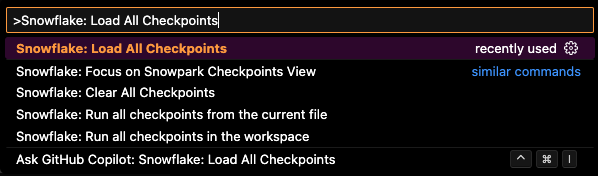
“Snowflake: Load All Checkpoints” 명령을 실행합니다.
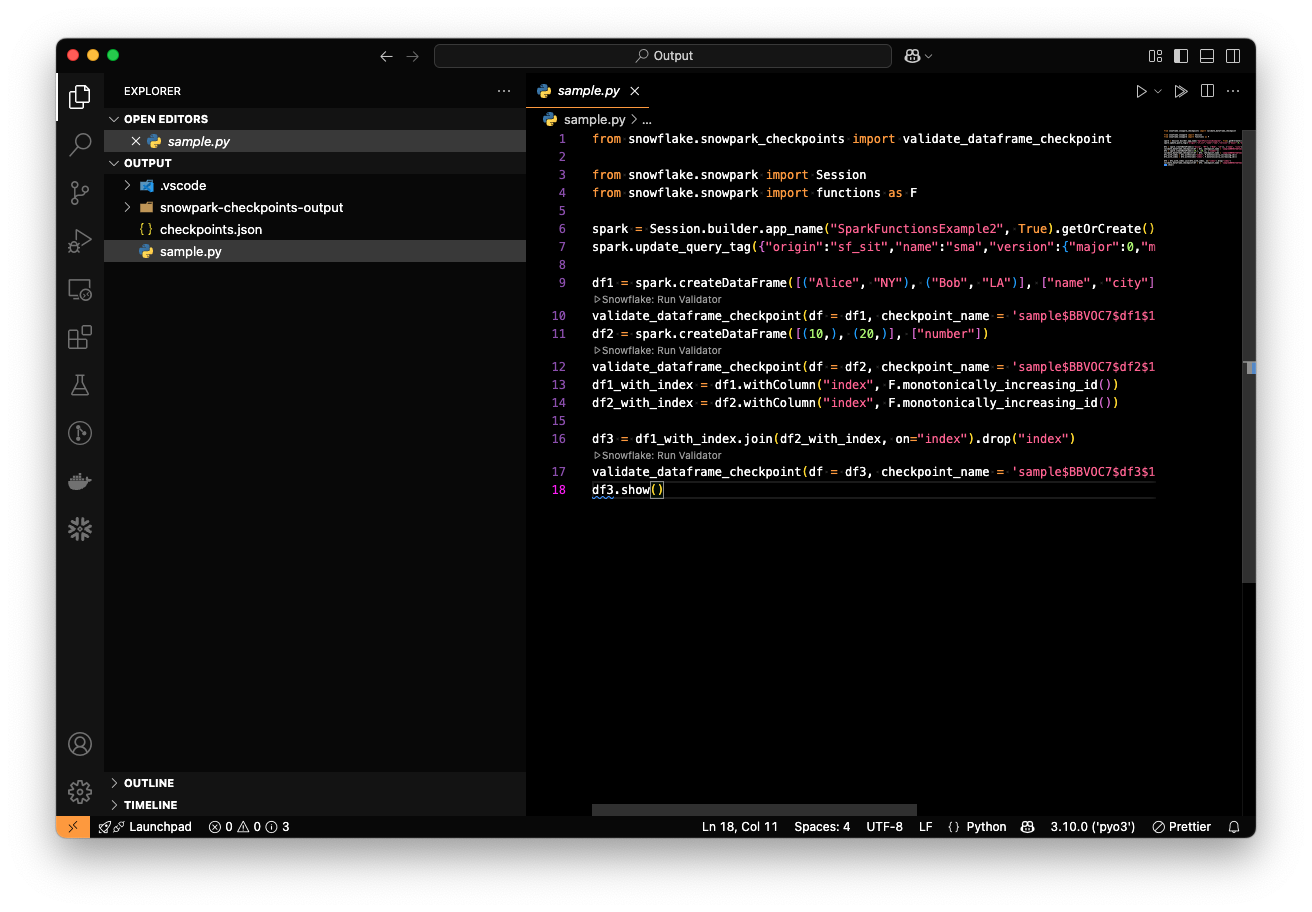
모든 검사점이 로드되면 파일이 다음과 같이 표시되어야 합니다.
Python 파일을 실행하여 검사점 유효성 검사 프로세스를 실행합니다.
When running a python file that contains validation checkpoints, the validation results are going to be shown in the copied “snowpark-checkpoints-output” folder as “checkpoints_validation_results.json”:
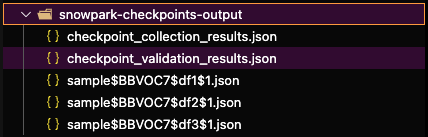
The “checkpoints_validation_results.json” contains the unified results of the collection process
위에서 볼 수 있듯이 유효성 검사 결과에는 PySpark 및 Snowpark DataFrames 간의 비교 결과가 포함됩니다.