Snowpark Migration Accelerator: SMA 실행 가이드
PySpark 입력
SMA- Checkpoints 기능은 PySpark DataFrames 사용을 감지하는지에 좌우되므로 PySpark 워크로드가 진입점으로 필요합니다. 이 연습은 단일 Python 스크립트를 사용하여 이 기능을 안내하고, 일반적인 PySpark 워크플로 내에서 검사점을 생성하고 활용하는 방법에 대한 간단한 예를 제공합니다.
입력 워크로드

Sample.py 파일 내용
워크로드 마이그레이션
기능 활성화
If the SMA-Checkpoints feature is enabled, a checkpoints.json file will be generated. If the feature is disabled, this file will not be created in either the input or output folders. Regardless of whether the feature is enabled, the following inventory files will always be generated: DataFramesInventory.csv and CheckpointsInventory.csv. These files provide metadata essential for analysis and debugging.
변환 프로세스
To create a convert your own project please follow up the following guide: SMA User Guide.
SMA-Checkpoints 기능 설정
As part of the conversion process you can customize your conversion settings, take a look on the SMA-Checkpoints feature settings.
참고: 이 사용자 가이드에서는 기본 변환 설정을 사용했습니다.
변환 결과
Once the migration process is complete, the SMA-Checkpoints feature should have created two new inventory files and added a checkpoints.json file to both the input and output folders.
Take a look on SMA-Checkpoints inventories to review the related inventories.
입력 폴더
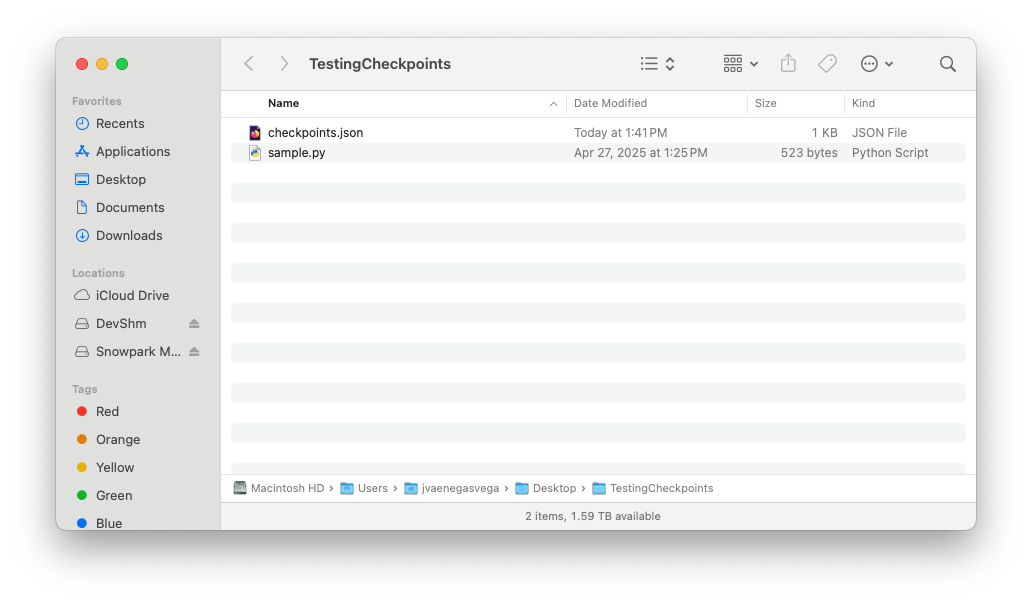
checkpoints.json 파일 내용
출력 폴더
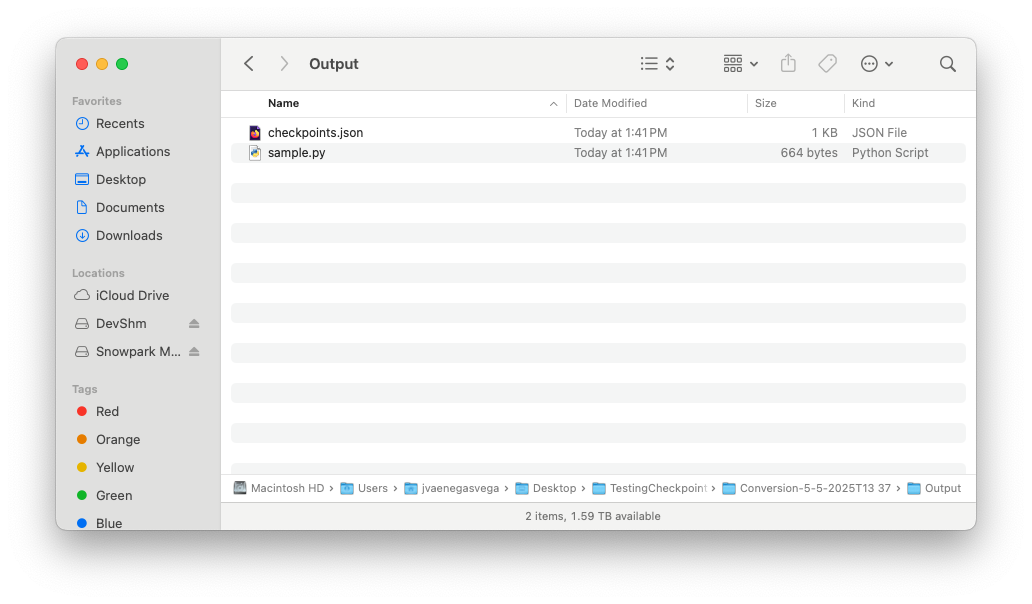
checkpoints.json 파일 내용
Once the SMA execution flow is complete and both the input and output folders contain their respective checkpoints.json files, you are ready to begin the Snowpark-Checkpoints execution process.