Snowpark Migration Accelerator: Guia de execução do SMA
Entrada do PySpark
O recurso do SMA-Checkpoints requer uma carga de trabalho PySpark como ponto de entrada, pois depende da detecção do uso de DataFrames PySpark. Este passo a passo vai guiar você pelo recurso usando um único script Python, fornecendo um exemplo simples de como os pontos de verificação são gerados e utilizados em um fluxo de trabalho PySpark típico.
Carga de trabalho de entrada

Conteúdo do arquivo Sample.py
Migração da carga de trabalho
Recurso ativado
If the SMA-Checkpoints feature is enabled, a checkpoints.json file will be generated. If the feature is disabled, this file will not be created in either the input or output folders. Regardless of whether the feature is enabled, the following inventory files will always be generated: DataFramesInventory.csv and CheckpointsInventory.csv. These files provide metadata essential for analysis and debugging.
Processo de conversão
To create a convert your own project please follow up the following guide: SMA User Guide.
Configurações do recurso SMA-Checkpoints
As part of the conversion process you can customize your conversion settings, take a look on the SMA-Checkpoints feature settings.
Observação: esse guia do usuário utilizou as configurações de conversão padrão.
Resultados da conversão
Once the migration process is complete, the SMA-Checkpoints feature should have created two new inventory files and added a checkpoints.json file to both the input and output folders.
Take a look on SMA-Checkpoints inventories to review the related inventories.
Pasta de entrada
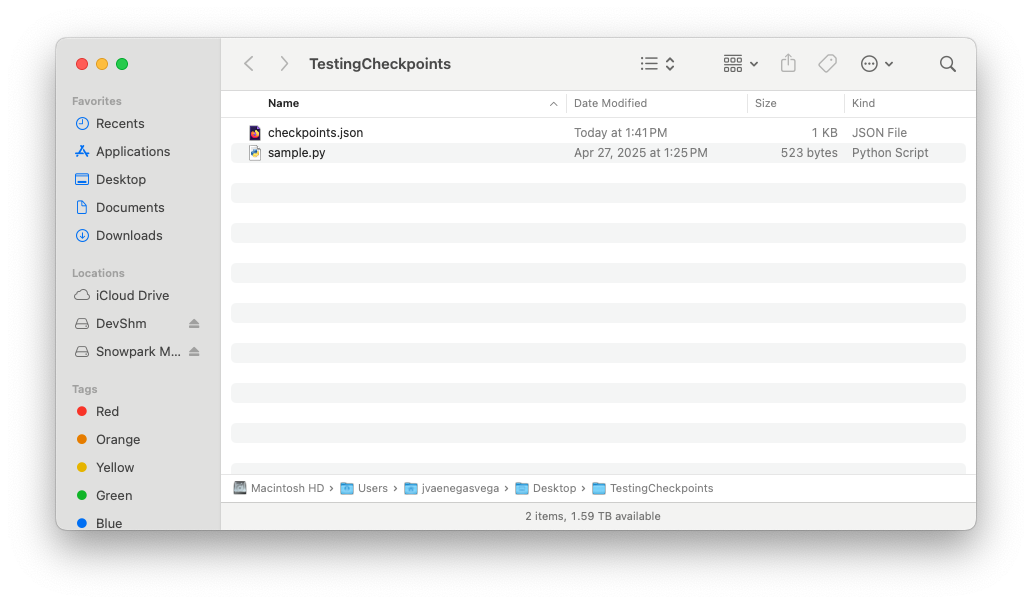
Conteúdo do arquivo checkpoints.json
Pasta de saída
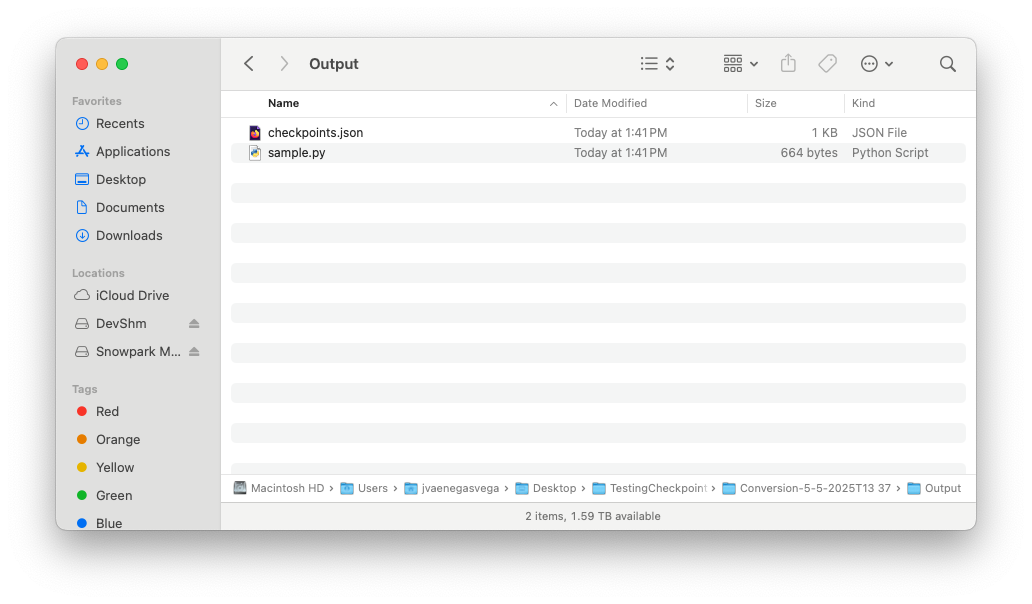
Conteúdo do arquivo checkpoints.json
Once the SMA execution flow is complete and both the input and output folders contain their respective checkpoints.json files, you are ready to begin the Snowpark-Checkpoints execution process.