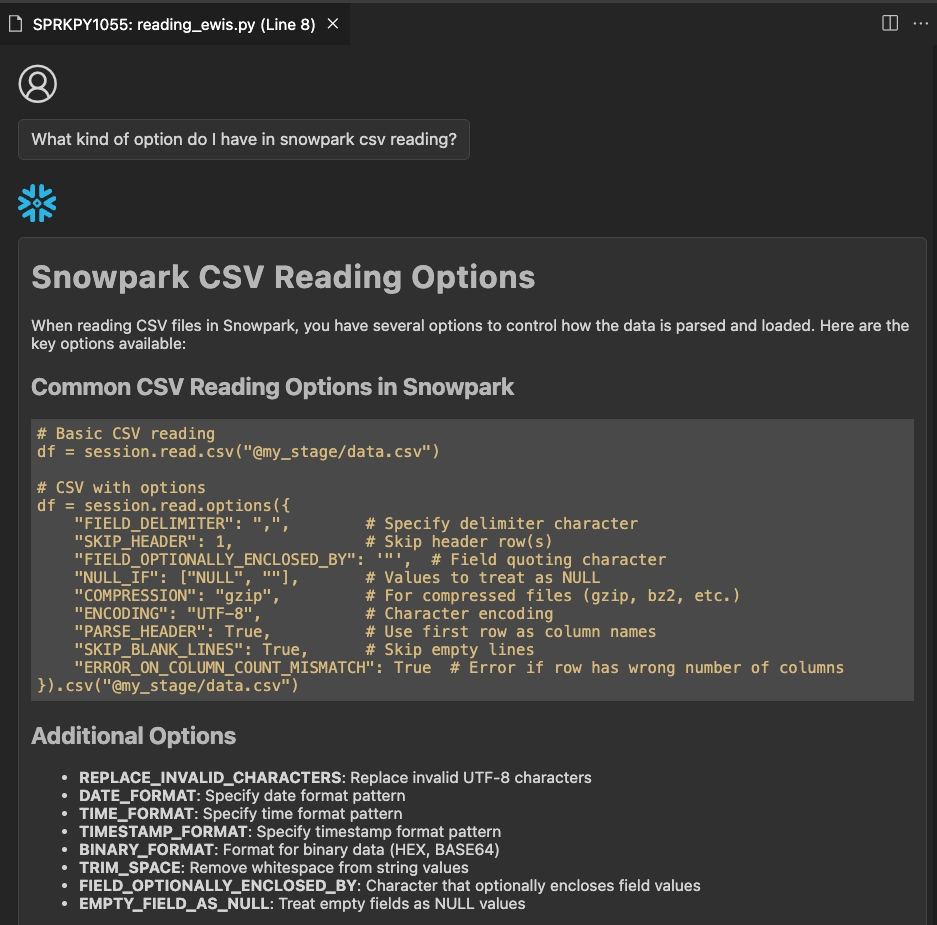
- description:
The SMA AI Assistant feature is simple workflow, so this section was created in order to be a walkthrough for feature usage.
SMA AI Assistant Usage
To ensure correct usage of the SMA AI Assistant, please follow these steps:
-
Open VS Code.
-
Follow the steps in the AI Assistant Setup section.
-
Open the migration output folder in VS Code.
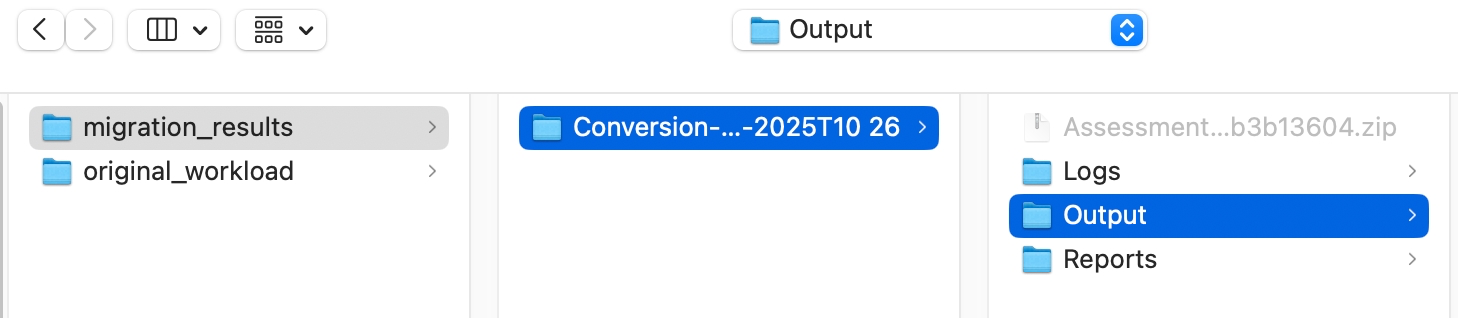
-
Open the Snowflake Extension by using the sidebar at the left.
- Clicking on an EWI line will directly navigate you to its corresponding source line.
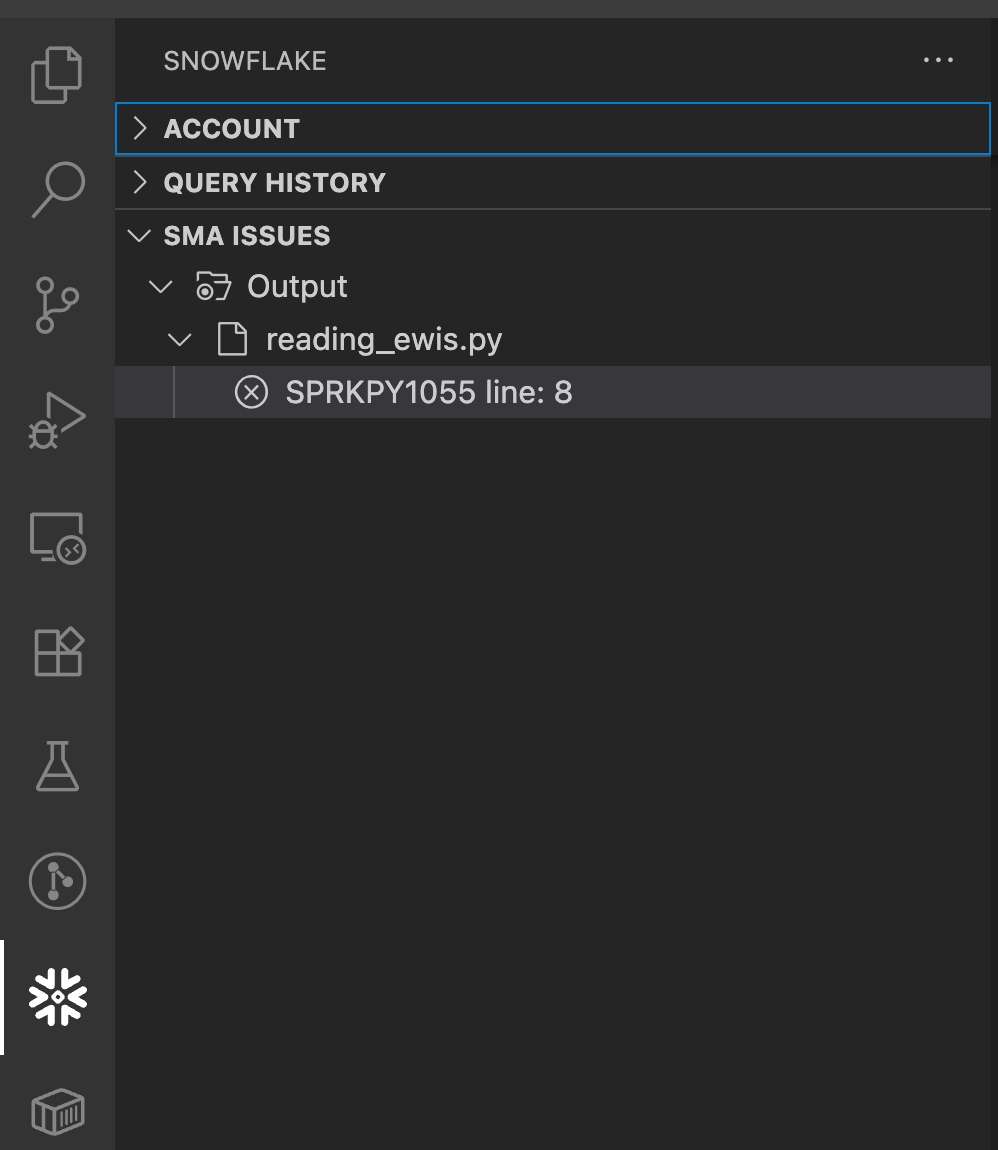
- Clicking on an EWI line will directly navigate you to its corresponding source line.
-
Log into your Snowflake account to get explanations and responses.
-
View the SMA EWI Assistant code lens.
- Click the SMA AI Assistant code lens to open a window providing explanations and resolutions for the EWI.

- Click the SMA AI Assistant code lens to open a window providing explanations and resolutions for the EWI.
-
Log into your Snowflake account to unlock detailed explanations and helpful responses.
-
View the EWI explanation and responses.
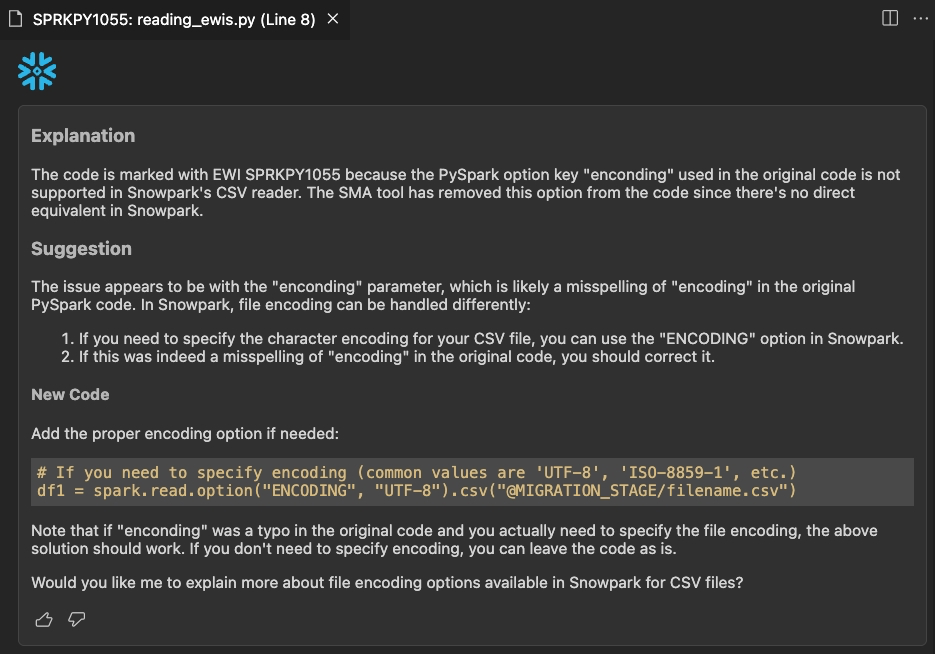
-
Follow the assistant responses.