- description:
Running a SCOS conversion using the Snowpark Migration Accelerator
Snowpark Migration Accelerator: SCOS Conversion Quick Start
The Snowpark Migration Accelerator (SMA) helps you convert your source code to Snowpark Connect (SCOS) compatible formats. This guide will show you how to begin the conversion process.
How to Execute a Conversion
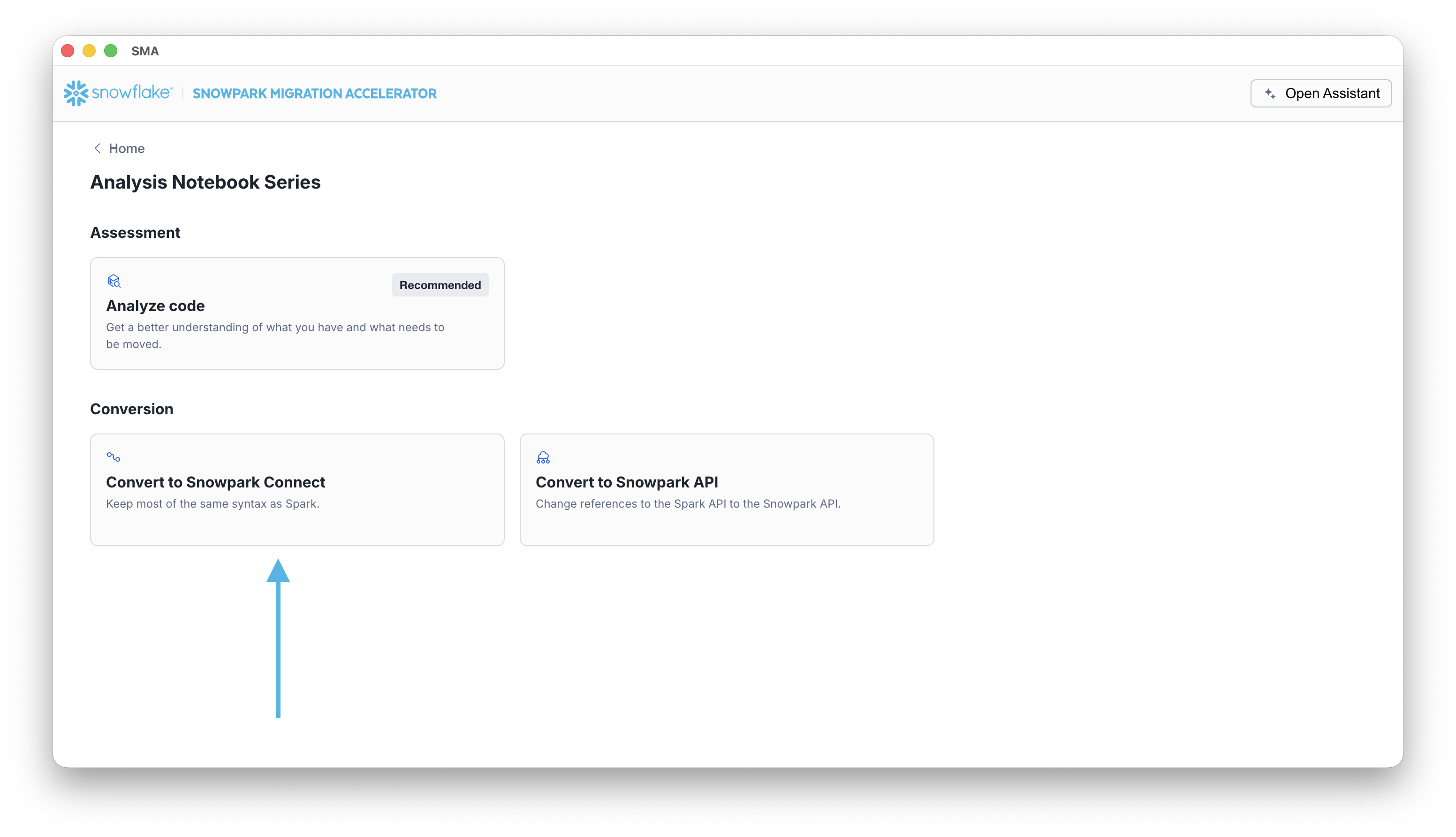
Run the conversion process by selecting the Convert to Snowpark Connect card on the project home page.
Next Steps
After the tool completes its analysis, review the results and determine your next steps. The following tips can help guide you:
- Consider the Readiness Score as an Initial Guide: While the readiness score evaluates Snowpark Connect compatibility, it is important to understand that successful migration depends on multiple factors. These include compatibility with third-party libraries and whether Snowpark Connect is the optimal solution for your specific workload.
- Take Time to Analyze the Conversion Results: The conversion results provide valuable insights that can help you create an effective migration strategy. Carefully review the data before proceeding to avoid unnecessary rework and ensure a more efficient migration.
- Additional options are available in the application menu, as shown in the image below:
.png)
- Retry Conversion - You can run the conversion again by clicking the Retry Conversion button on the Conversion Results page. This is useful when you’ve made changes to your source code and want to see updated results.
- View Reports - Opens the folder containing conversion output reports. These include the detailed conversion report, Spark reference inventory, and other analyses of your source codebase. Each report type is explained in detail in this documentation.
For a detailed review of the conversion summary information, continue reading.