Snowpark Migration Accelerator:コレクション
コレクションプロセスを実行するには、以下の手順に従ってください。
プロセスを開始するには、 VS Code でコレクションワークロードを開きます。
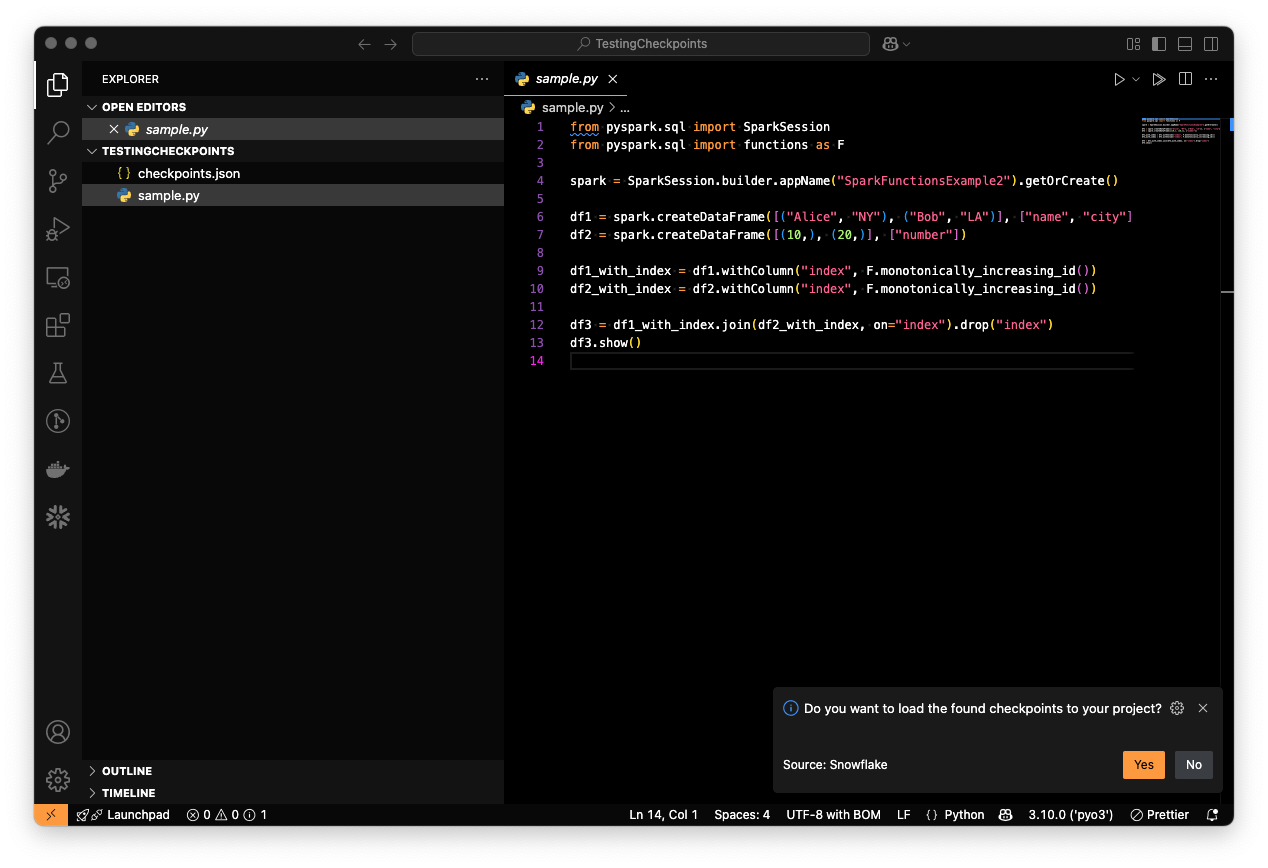
Generate checkpoints using the
checkpoints.jsonfile.
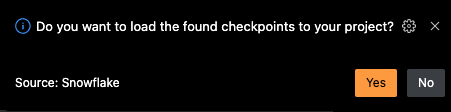
チェックポイントを生成するには、以下のいずれかのアクションを実行できます。
提案されたメッセージを受け入れてチェックポイントを生成します。
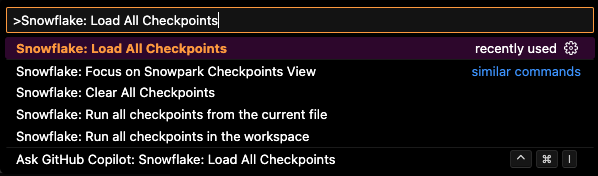
「Snowflake:すべてのチェックポイントをロード」コマンドを実行します。
すべてのチェックポイントが正常にロードされると、ファイルは以下のように表示されるはずです。
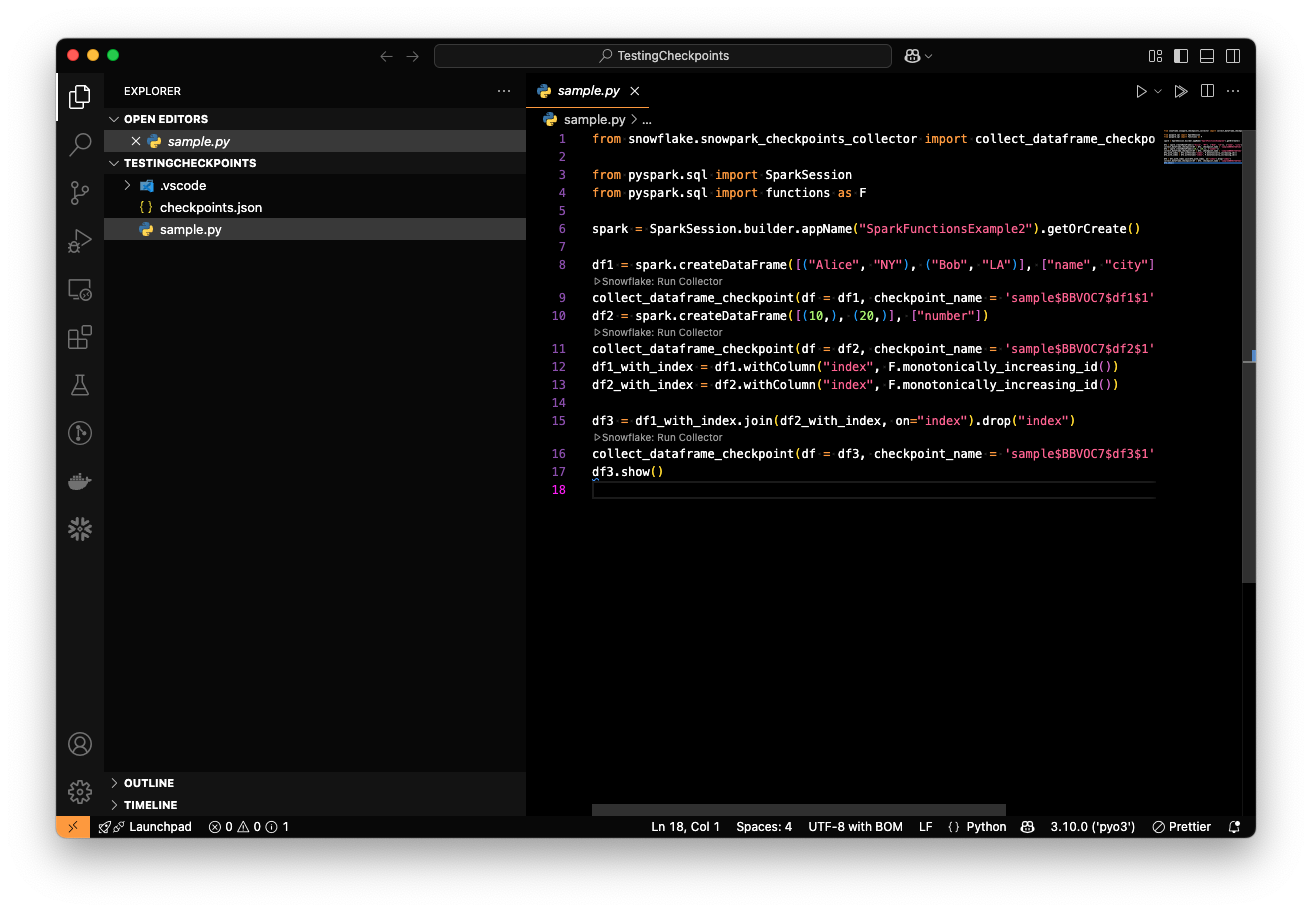
Pythonファイルを実行し、チェックポイント収集プロセスを実行します。
When running a Python file that includes checkpoints, a folder named snowpark-checkpoints-output will be created, containing the collection results.
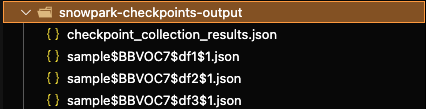
The checkpoints_collection_results.json file contains the consolidated results of the collection process.
The snowpark-checkpoints-output folder should be copied into the validation workload to grant access to the collection results. For details on how to proceed with the validation process, refer to the Validation Section.