Snowpark Migration Accelerator: Sammlung
Um den Erfassungsprozess zu verfolgen, fahren Sie bitte mit den folgenden Schritten fort:
Öffnen Sie den Workload für die Erfassung in VS Code, um den Prozess zu starten.
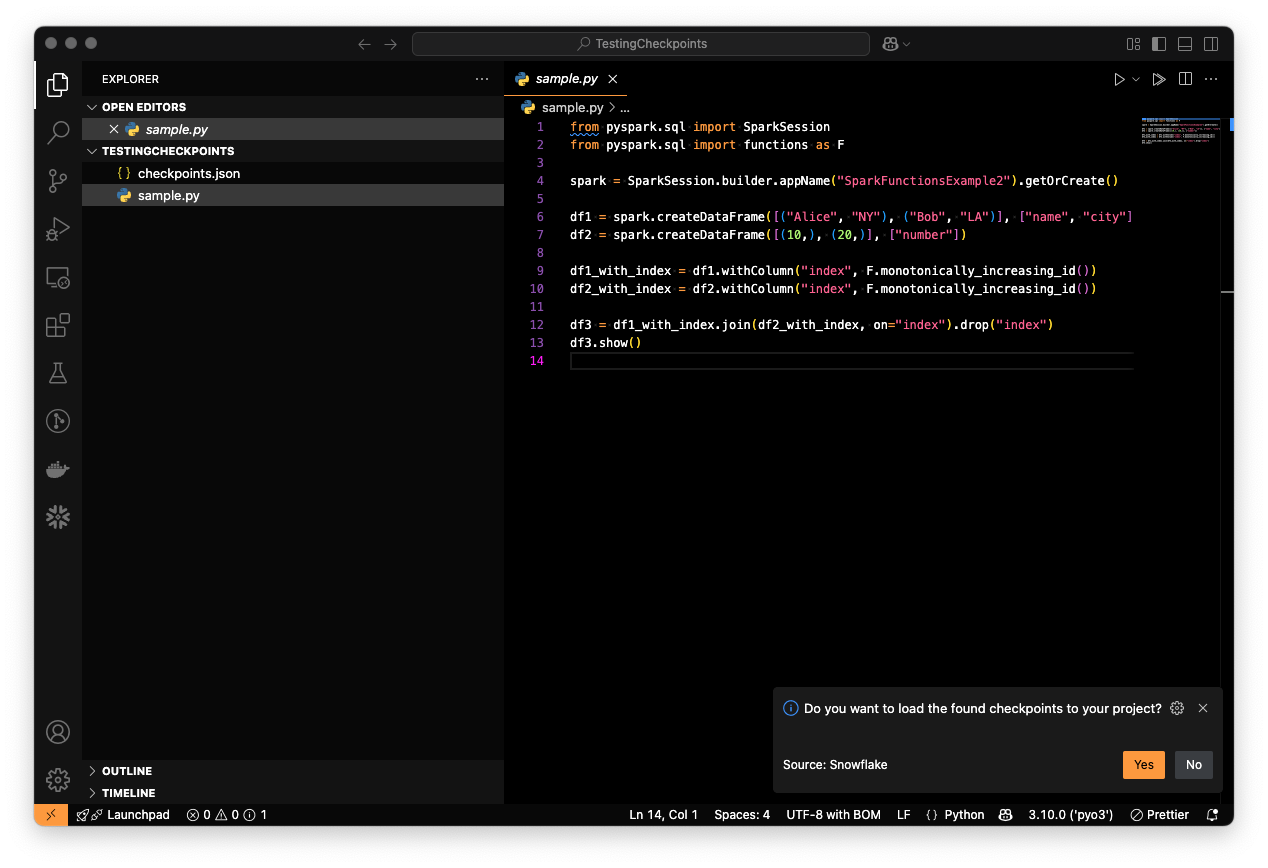
Generate checkpoints using the
checkpoints.jsonfile.
Um Checkpoints zu generieren, können Sie eine der folgenden Aktionen durchführen:
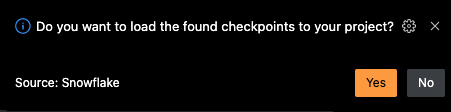
Generieren Sie Checkpoints, indem Sie die vorgeschlagene Meldung akzeptieren:
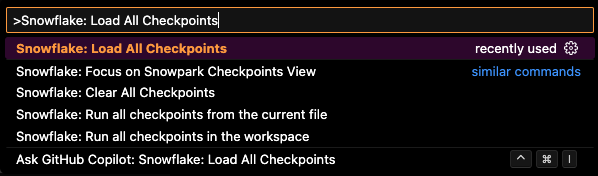
Führen Sie den Befehl „Snowflake: Alle Checkpoints laden“ aus:
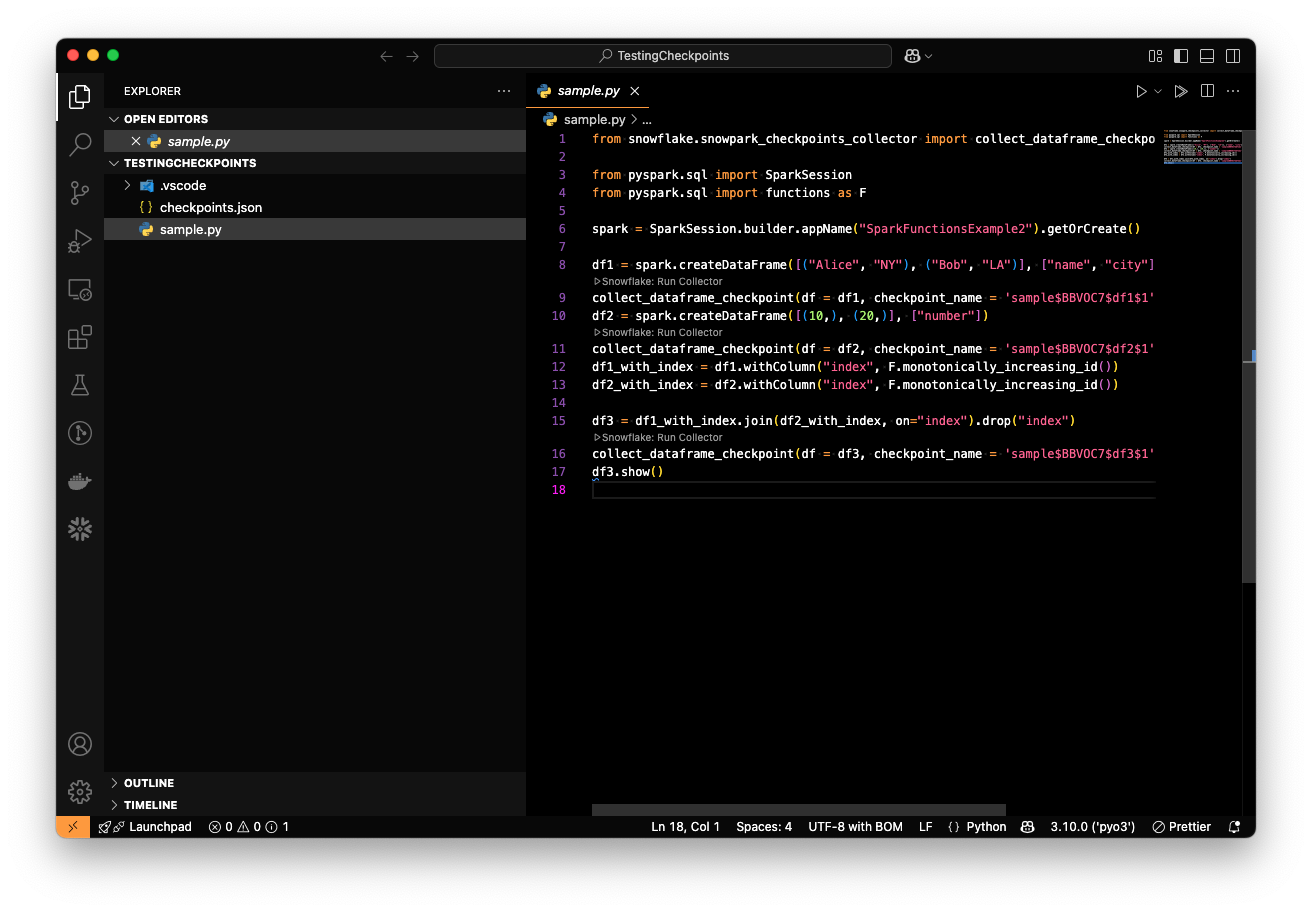
Sobald alle Checkpoints erfolgreich geladen sind, sollten Ihre Dateien wie folgt aussehen:
Führen Sie die Python-Datei aus, um den Checkpoint-Sammlungsprozess auszuführen.
When running a Python file that includes checkpoints, a folder named snowpark-checkpoints-output will be created, containing the collection results.
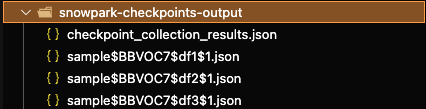
The checkpoints_collection_results.json file contains the consolidated results of the collection process.
The snowpark-checkpoints-output folder should be copied into the validation workload to grant access to the collection results. For details on how to proceed with the validation process, refer to the Validation Section.