Cortex Code Desktop
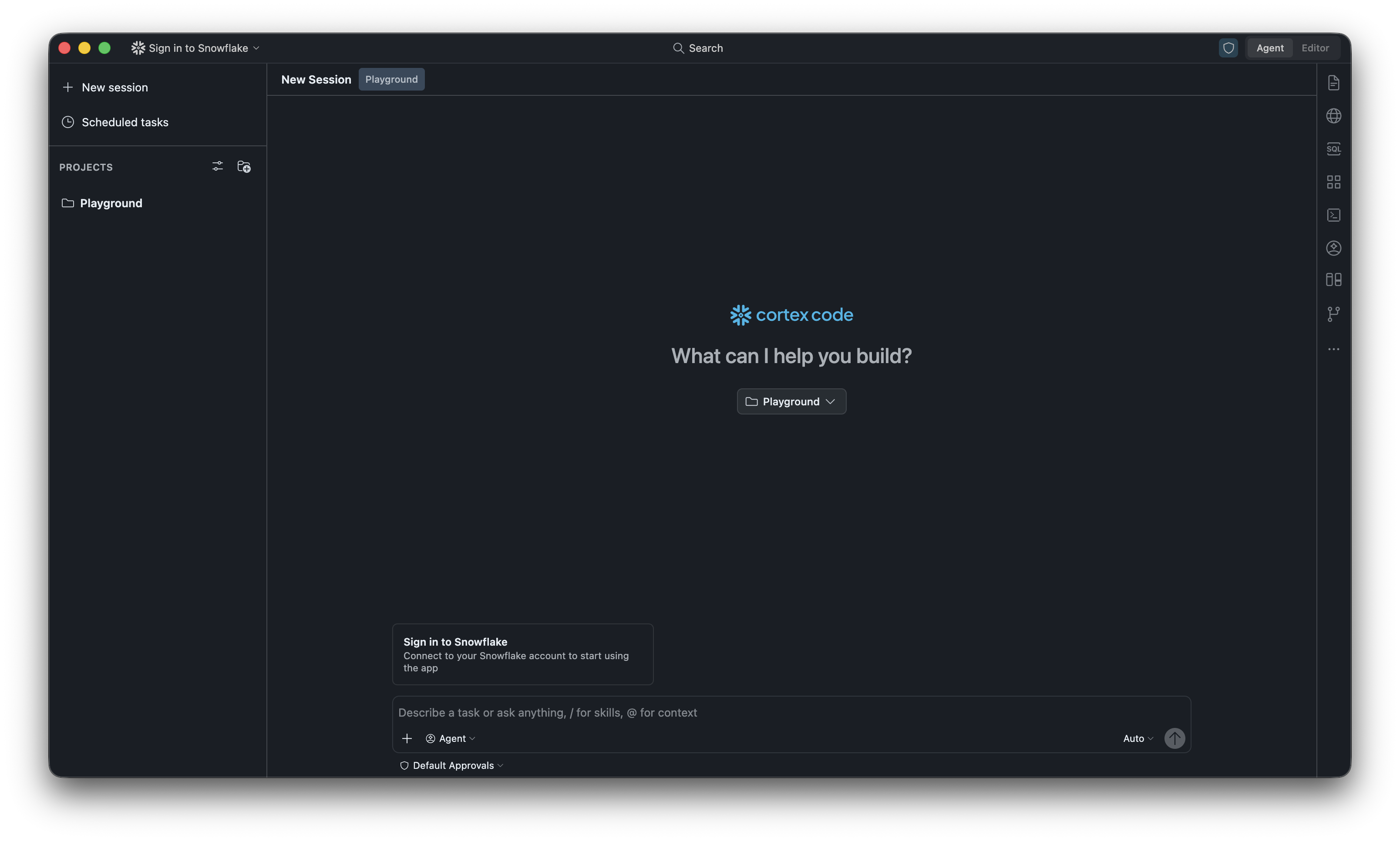
Cortex Code Desktop is a native Mac/Windows desktop application that brings Cortex Code’s full agentic capabilities into an IDE-like surface — file editor, integrated terminal, agentic AI loop, agentic browser, agentic notebook, and deep Snowflake awareness.
Get Cortex Code Desktop
Download the latest version. Available for macOS and Windows.
What’s new
See Release notes for the latest features, improvements, and fixes in each version.
Get started
| Topic | Description |
|---|---|
| Onboarding and authentication | Download, install, and sign in |
| Navigation | Agent mode, Editor mode, and layout controls |
| Agent mode and Editor mode | When to use each mode |
| Agent mode and Plan mode | Planning before implementing |
Features
| Topic | Description |
|---|---|
| Agents | Subagents for parallel, specialized tasks |
| Building apps | Scaffold and deploy Streamlit and Snowflake App Runtime apps |
| Data visualization | Inline charts from query results |
| SQL Playground | Run and explore SQL interactively |
| dbt integration | Build, test, and deploy dbt models |
| Agentic browser | Browse and interact with web content |
| Agentic notebook | Jupyter notebooks with AI assistance |
| Scheduled tasks | Automate recurring agent workflows |
Customization and extensibility
| Topic | Description |
|---|---|
| Plugins | Install or create plugin packages |
| Skills | Custom instructions the agent follows |
| Hooks | Scripts that run on events like session start |
| MCP support | Connect external tools via Model Context Protocol |
| Instruction files | Project-level agent instructions |
| Permission modes | Control what the agent can do without asking |
Monitoring and history
| Topic | Description |
|---|---|
| Usage history view | Monitor usage and token consumption |